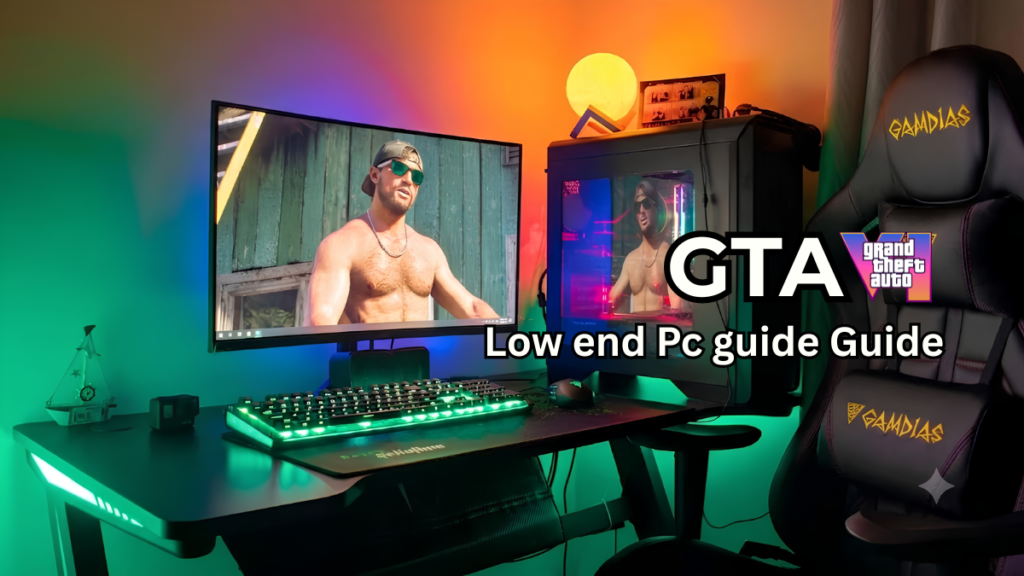
Every PC gamer is excited about GTA 6. Rockstar Games has confirmed a console release date of November 19, 2026, after which the game will arrive on PC. But the biggest question is: will your old or low end PC be able to handle the weight of this heavy game?
In this guide, we’ll explain in simple and straightforward terms how you can make even your weak PC capable of running GTA 6. Without any overly technical language, we’ll go through step by step the methods that even the biggest tech experts keep hidden on their websites.
GTA 6 System Requirements
It’s important to understand the enemy first, only then can you prepare for battle. Rockstar hasn’t yet revealed official PC requirements, but leaks and industry trends suggest this game is going to be quite demanding.Talking about minimum specifications, you should have at least Intel i5-9600K or AMD Ryzen 5 3600 processor.
Talking about the graphics card, at least GTX 1660 Super or AMD RX 5700 will be required, and at least 150GB to 200GB of free space should be available in the storage.
The best part is that the old HDD (hard disk) is now gone, and an SSD is absolutely necessary to run this game. If you have a weaker setup than this, the steps below will be very helpful.
How to Optimize RAM?
If your PC has 8GB or 16GB RAM, it will be too less for a big open-world game like GTA 6 because the map of Vice City is very big and detailed this time.
When you drive fast, the game will use up all the RAM to load new areas. So, you’ll need to clear all the extra memory on your PC before starting the game.
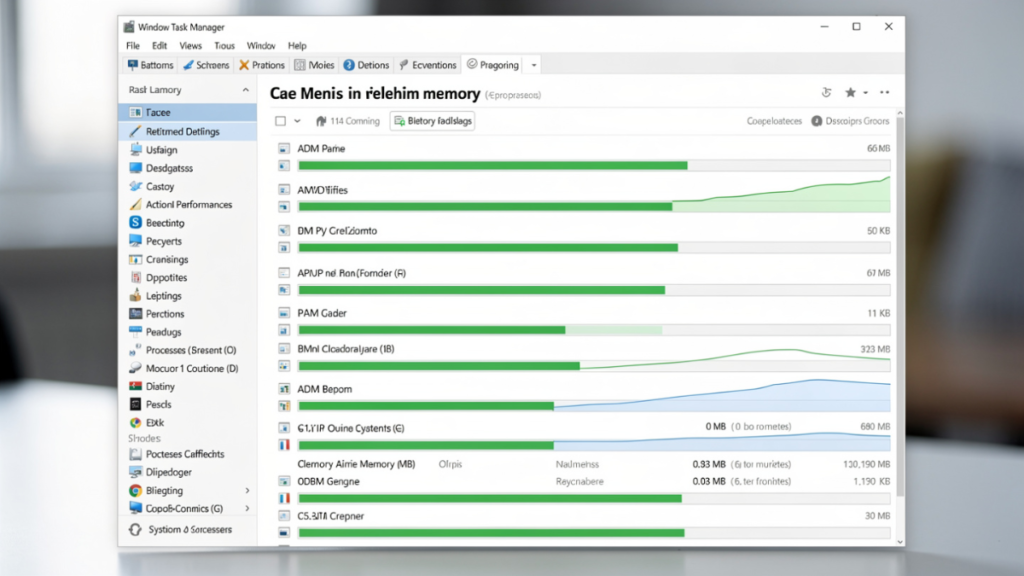
First, open your Task Manager (Ctrl + Shift + Esc) and see what’s running unnecessarily in the background. Immediately ‘End Task’ the Chrome browser, Discord, or any other software that’s running in the background.
Apart from this, there is a feature in Windows called ‘SysMain‘, you can disable it by going to Services so that unnecessary load can be removed from the RAM.
Increase Virtual Memory
When your physical RAM runs out, Windows uses a small portion of your SSD or HDD as temporary RAM, called Virtual Memory.
If you have 8GB or 16GB RAM, you can customize this setting yourself to prevent lag and stuttering in the game to a great extent.
To increase this, type ‘Advanced System Settings’ into the Windows search bar. Then, under Performance settings, go to the Advanced tab and click Virtual Memory.
Uncheck ‘Automatically manage paging file size’ and tick Custom size. Increase the Initial size and Maximum size to suit your RAM, this will stop the game from freezing.
Read More:- GTA VI New Features Compared to GTA V
Always keep your graphics card driver updated.
The biggest mistake we often make is forgetting graphics card drivers while focusing on processor and RAM. Nvidia and AMD always release special ‘Game Ready’ drivers before major games are released, which are optimized for those major games.
If you’re using an outdated driver, you’ll experience glitches, black screens, and extremely low FPS in new games.
So, check your Nvidia GeForce Experience or AMD software and install the latest driver. This single step can increase your game performance by 10% to 15%.
In Game Settings GTA 6
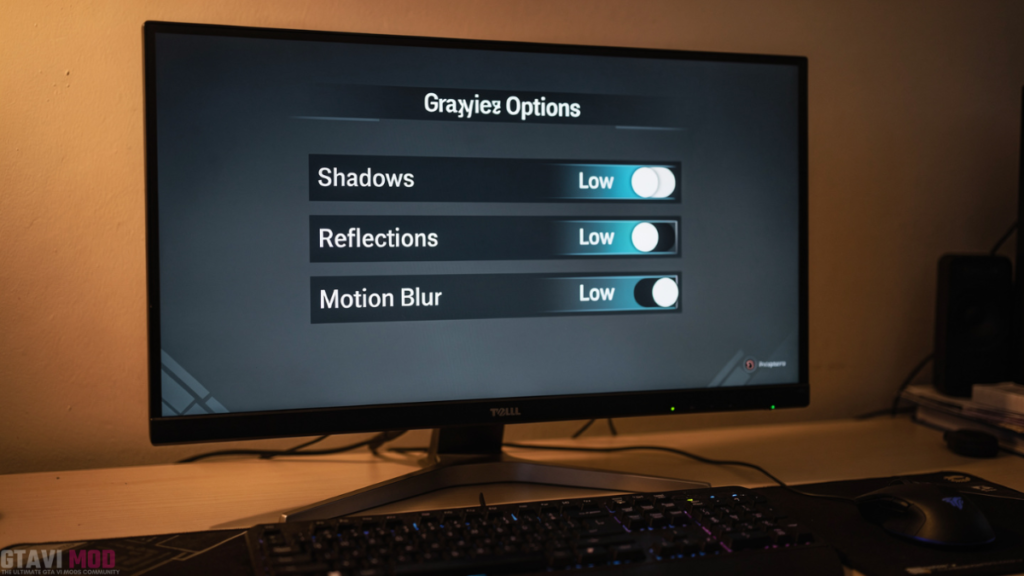
Once the game starts, the first thing to do is to turn up the graphics settings, meaning set them to very low. Shadows and reflections (things visible in glass and water) put the most stress on the graphics card. First, set both of these settings to ‘Low’ or ‘Off’.
After this, there’s another setting called ‘Crowd Density’ or ‘Traffic Density.’ Vice City in GTA 6 is going to be very crowded, which will be very taxing on your CPU.
If you reduce this crowd in settings, then your processor will not have to calculate the path and mind of each character, due to which FPS will Reset immediately.
Resolution Scaling And Upscaling
If you’ve lowered everything and the game is still stuttering, upscaling techniques are your last hope. These days, every new game comes with features like DLSS (for Nvidia) and FSR (for AMD).
These features render the game internally at a low resolution and then enlarge it using AI to display it on the screen.
You’ll need to go into the game’s settings and set DLSS or FSR to ‘Performance’ or ‘Ultra Performance’ mode. If your graphics card doesn’t support these new features, you can simply decrease the ‘Resolution Scale’ from 1.0 to 0.8 or 0.75. This will make the graphics a little blurry, but the game will run smoothly.
Change PC Game Mode And Power Plan
Windows has a default setting that focuses all of your PC’s power on the game while you’re gaming, called ‘Game Mode.’ Go to Settings and search for ‘Game Mode’ to see if it’s on.
If it is off, turn it on immediately so that Windows can stop background updates and other unnecessary tasks.
Also, go to Control Panel, click on Power Options and change your power plan from ‘Balanced’ to ‘High Performance’.
This step is especially important for laptop users, as laptops often slow down the graphics card and CPU speed to save battery. When you set it to High Performance, your hardware will run at its full capacity.
Install game on SSD (Most Important Step)
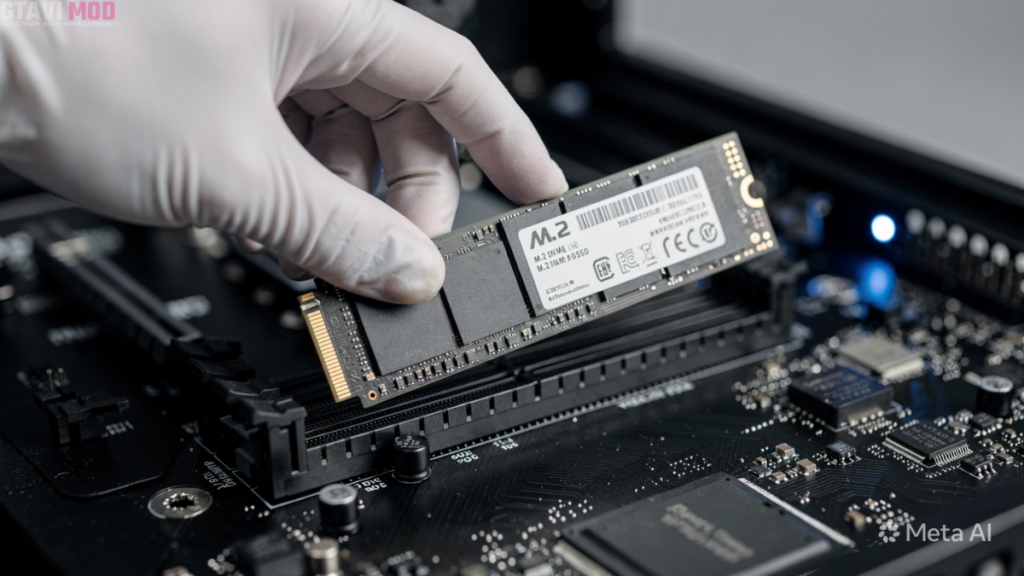
If you have an old HDD (Hard Disk Drive) and are thinking of installing GTA 6 on it, you’re making a big mistake.
The size of assets and textures in this modern game is so large that older hard disks simply won’t be able to read them at the right speed. This can result in the game losing its builds and frequently freezing.
Install a cheap but good NVMe or SATA SSD in your PC and install the game on it. SSDs have 10 to 35 times faster read and write speeds than hard disks.
This step will not only reduce your loading times but will also completely eliminate the sudden frame drops that occur within the game.